

Hotel WiFi May Be a Trap Right Now
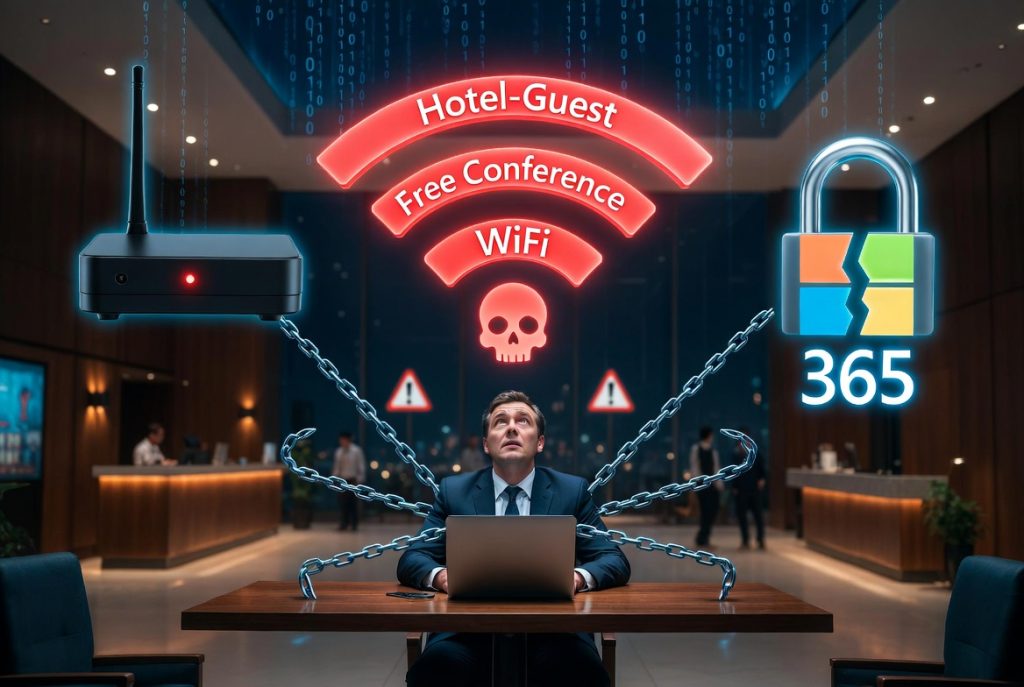
If you have people traveling for work, you need to know what’s happening in hotel lobbies and business centers right now.
Midnight Blizzard (APT29) — a Russian state-sponsored group — is running an active, global campaign specifically targeting business travelers over hotel Wi-Fi. They’re using custom malware designed to steal Microsoft 365 credentials the moment a victim connects to a compromised or fake network. This is not a theoretical risk. This is happening now, and if your staff travels, they are in the target pool.
Security researchers and our own field teams are seeing this playbook executed with increasing frequency: attackers set up fake networks with names like “Hotel-Guest” or “Conference-WiFi,” sometimes cloning the legitimate hotel network exactly. When a traveler connects, the attacker sits between that device and the internet, harvesting credentials, intercepting email, and in some cases pushing malware before the victim has even set down their bag.
We’re actively responding to incidents where executives and sales teams returned from travel only to find their corporate accounts compromised — sometimes days later, when the attacker decides to move.
Why hotels?
Business travelers are tired, rushing between meetings, and conditioned to accept whatever network gets them online fastest. Hotels are transient environments with high turnover, so malicious activity is harder to trace. Many hotels run aging network infrastructure with weak segmentation, meaning once an attacker is on the guest network, lateral movement toward business center printers, smart TVs, and other devices is often trivial.
When a state-sponsored actor like APT29 is involved, the sophistication level goes up. This isn’t a kid in a hotel room with a Pineapple. This is custom tooling, patience, and resources aimed at high-value targets.
What it looks like
The techniques we’re seeing in the current wave:
- Evil Twin Networks — A fake access point broadcasting the hotel’s name or something generic like “Free Hotel WiFi.” Sometimes the signal is stronger than the real one.
- Captive Portal Cloning — A fake login page that looks exactly like the hotel’s terms-of-service screen, engineered to harvest Microsoft 365 credentials.
- Man-in-the-Middle — Intercepting traffic on the legitimate network when the hotel itself has poor device-to-device isolation.
- Custom Malware Deployment — In the APT29 campaign specifically, connecting to a malicious hotel network can trigger malware installation designed to capture M365 session tokens and credentials silently.
- Malicious QR Codes — Placed over legitimate “Connect to WiFi” placards in rooms and lobbies.
What companies should do immediately
- Require VPN on any non-company network. No exceptions. If the device isn’t on the office network or a known home office, the tunnel comes up before any other traffic moves. This is your first and most effective defense against credential theft on hostile networks.
- Implement conditional access rules for Microsoft 365. Block or challenge logins from unfamiliar locations, anonymous IP addresses, or countries your users don’t travel to. If Midnight Blizzard gets credentials, conditional access can stop them from using them.
- Disable auto-join for Wi-Fi on company devices. If a device has previously connected to a network called “Hotel-Guest” at one location, it will often auto-connect to an evil twin with the same name later.
- Enforce MFA on everything. Not SMS-based if you can avoid it — app-based or hardware key MFA. Captured passwords are worthless without the second factor, though be aware that some advanced threats target session tokens, which is why VPN and conditional access matter so much.
- Brief your travelers. Most people still think hotel Wi-Fi is “safe enough” because the front desk gave them the password. That is not a security control. A two-minute conversation before a trip prevents a two-week incident response afterward.
- Use mobile hotspots as the default. Company-provided cellular hotspots are dramatically harder to attack than hotel Wi-Fi and often faster.
How we help
At Cyber Tech Cafe, we build travel security into our baseline client configurations — not as an afterthought. That means strong VPN configurations, conditional access hardening for Microsoft 365, MFA implementation, endpoint detection that flags suspicious network behavior, and straightforward user guidance your people will actually follow.
If you have travelers on the road now and you’re not sure whether your current stack protects them off-network, that is worth a conversation. We can assess your current posture, tighten what needs tightening, and make sure the next time your team checks into a hotel, they’re not checking into an attacker’s network too.